How it works

Buyers pay you. You pay per item.

Set up your storefront, add your lots and open bidding. Your first items are free.
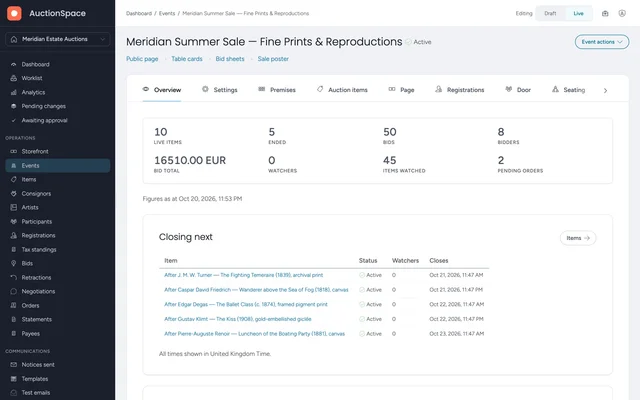
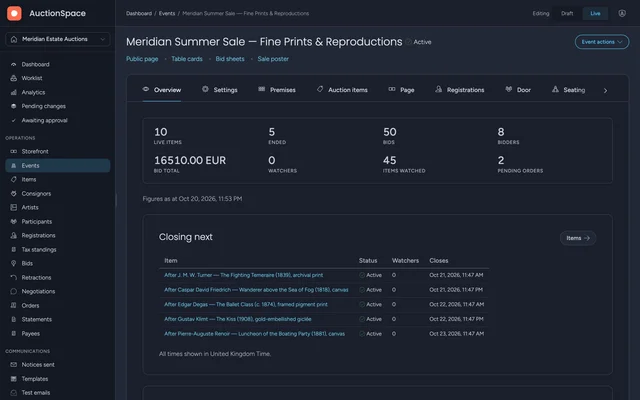
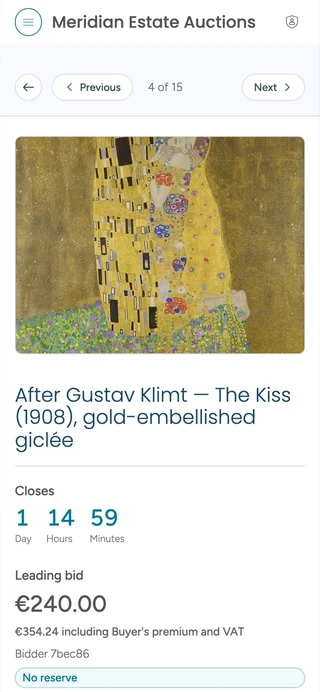
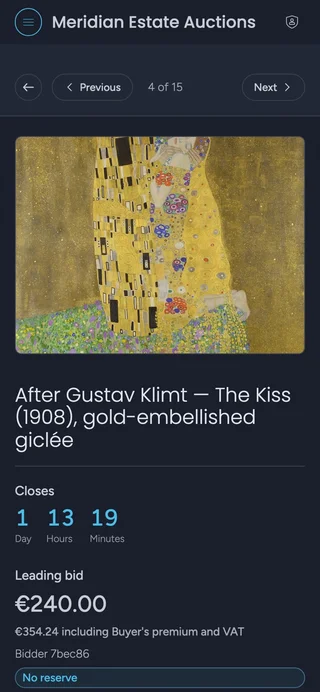
A live sale’s overview in the AuctionSpace dashboard, beside a lot on a bidder’s phone.A live sale’s overview in the AuctionSpace dashboard, beside a lot on a bidder’s phone.
Before the sale

Setting up

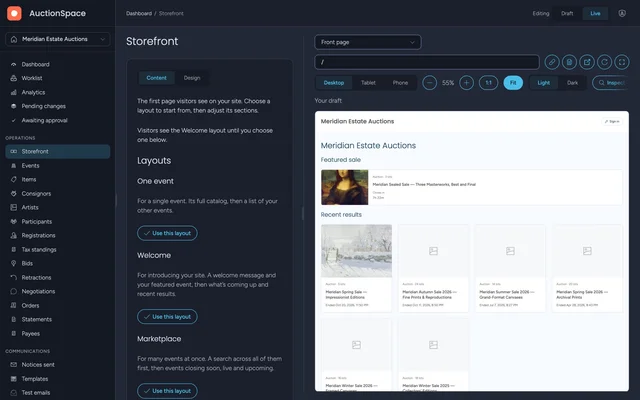
  1. Put your trading name, logo and colors on your storefront.
  2. Import your lots from a spreadsheet after a dry run, and change prices and dates in bulk.
  3. Publish your conditions of sale, and choose who may bid in each sale.
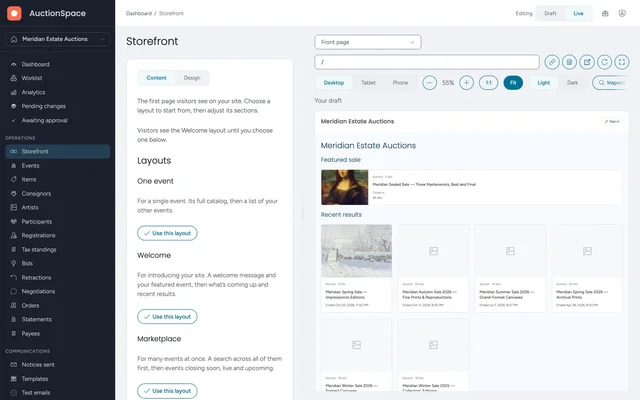
Front-page layouts in the storefront editor, beside a live preview of the auction site.Front-page layouts in the storefront editor, beside a live preview of the auction site.
During the sale

Bidding

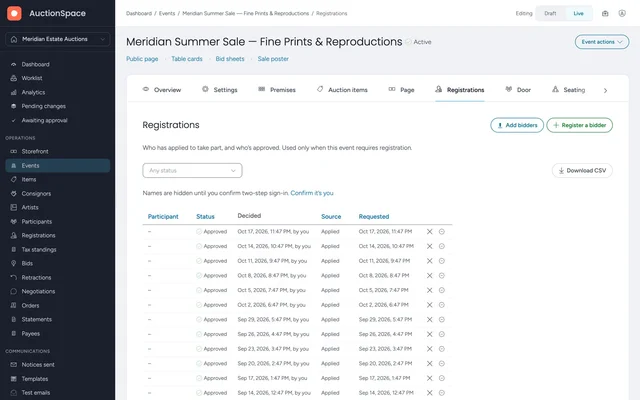
  1. Bidders register on your storefront in one step.
  2. Where you choose, they answer your questions and wait for your approval.
  3. They bid from any browser, on a phone or a computer.
  4. Run each sale timed, live or sealed, and follow every bid from your dashboard.
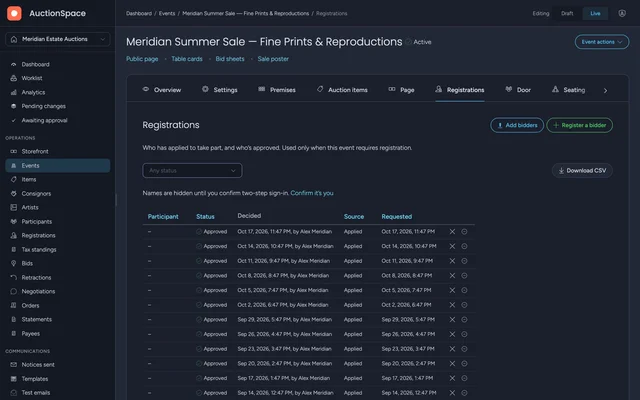
The registrations page of a sale. Its approved bidders are shown beside the buttons to add or register a bidder.The registrations page of a sale. Its approved bidders are shown beside the buttons to add or register a bidder.
After the close

Settling up

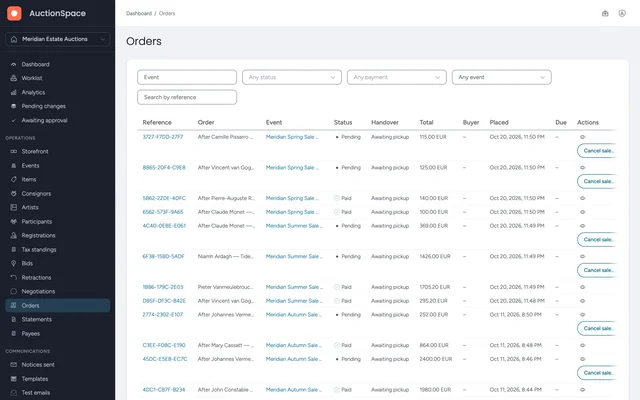
  1. Each buyer gets one invoice for everything they won.
  2. Collect payment your way, by bank transfer or in person, and mark the order paid.
  3. Buyers choose pickup or shipping, and you record each handover.
  4. Download the results, bids and bidder lists as CSV files.
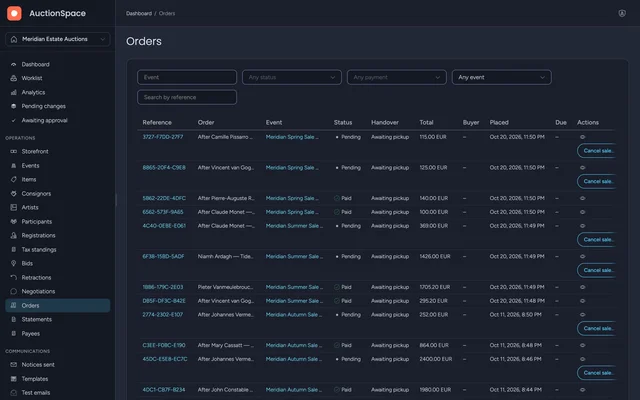
The orders page of the dashboard. Each order’s status, payment and total are shown.The orders page of the dashboard. Each order’s status, payment and total are shown.
Sale closed

Sold, paid and handed over

Clone the sale for the next one, unsold lots included.
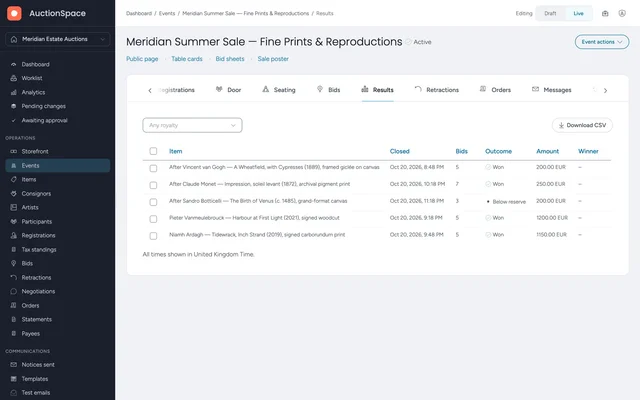
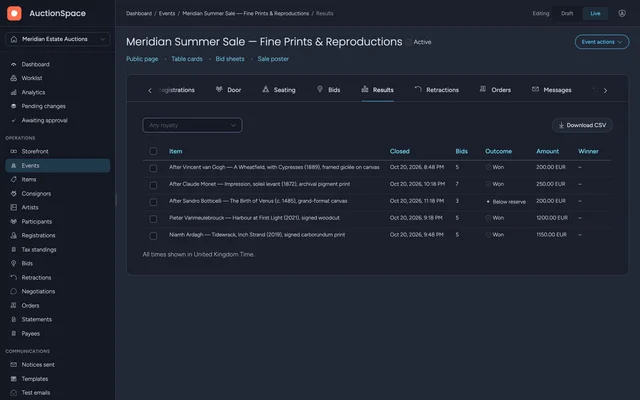
The results of a closed sale in the dashboard, one row for each lot and its outcome.The results of a closed sale in the dashboard, one row for each lot and its outcome.
Fees

You keep the takings from every sale

Your buyers pay you directly, on your invoice.

commission on what you sell
0%
charge per item, however many sales it takes to sell
1
fees added to your buyers’ bills
0
free items to start
10
Sale formats

Six ways to sell, one account

Choose the format for each sale and run them all from one dashboard.

  • Timed auction

    Lots sold online over days. Maximum bids, reserves and a soft close.

  • Live sale

    Online bidding first, then paddle and online bids in the room.

  • Sealed bids

    One private bid from each bidder, opened at the close.

  • Descending price (Dutch)

    The price falls on a clock until a bidder takes it.

  • Fixed prices

    Items at a set price beside your lots. Buyers buy now or make you an offer.

  • Tender

    You are the buyer. Suppliers send sealed responses, opened at the deadline.

Branding

Your storefront, your bidders

Bidders deal with you from registration to invoice.

  • Your name

    Your trading name on every page, and your events embedded in your website.

  • Your look

    Start from a light or dark theme, then set your logo and palette.

  • Your bidders are your customers

    They accept your terms, and you can download their details. No other operator sees them.

Ask for an invitation

Organizations join Public Preview by invitation. Invitations are sent country by country, as AuctionSpace opens in each.

We’ll email the next step here. You’ll sign in with this address.

Your events are subject to the rules of the country where your organization is established.

What you plan to sell, and how you run your sales today.